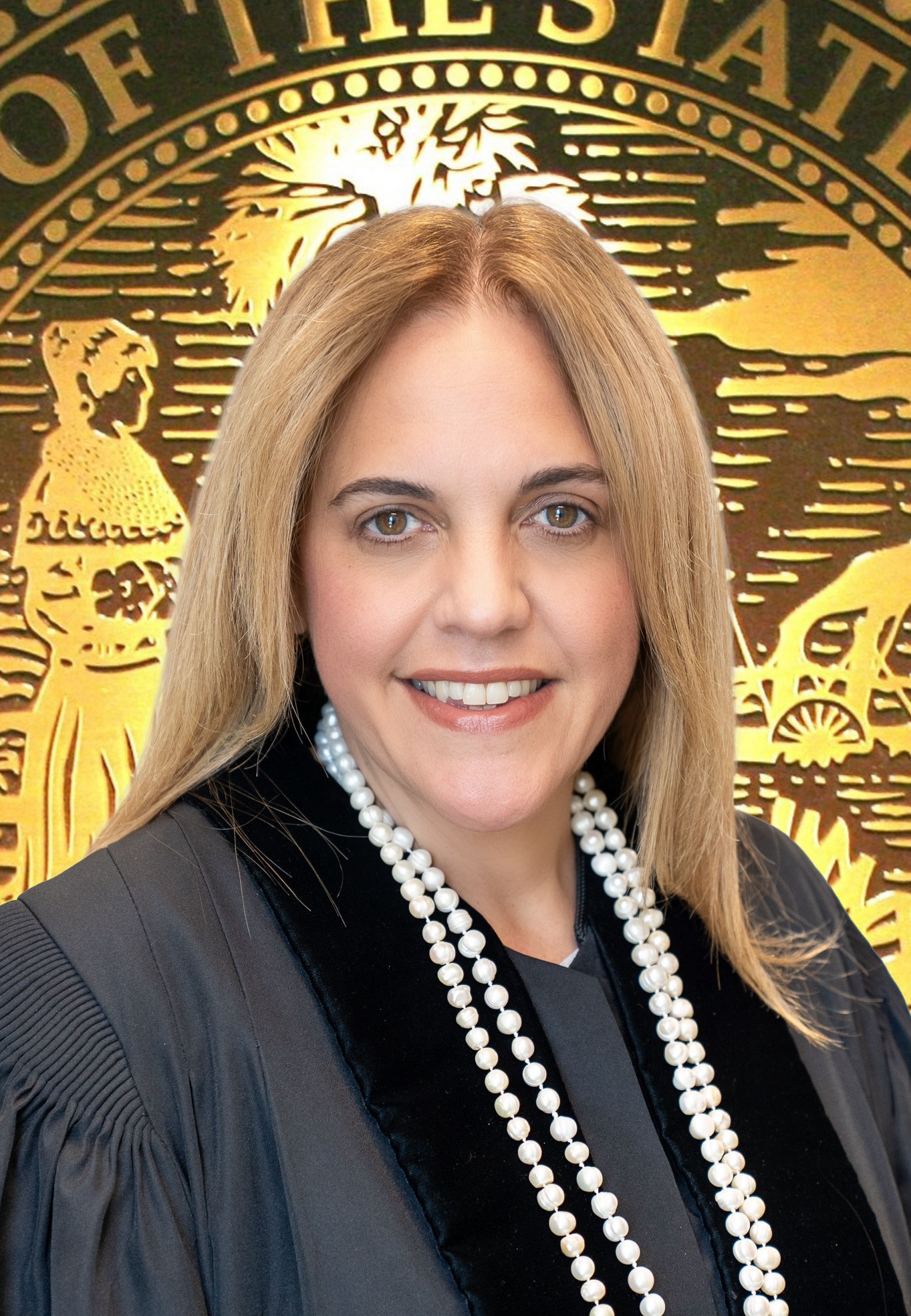
Victoria del Pino
- Division: Circuit Family
- Section: FC 38
- Court Location: Lawson E. Thomas Courthouse
- Phone: (305) 349-5726
- Room: CHC 2114
- Judicial Assistant: Isabel Del Castillo
The Judge and his/her staff are working and available. We are addressing matters remotely on Zoom and In-person.
It is important that:
ALL ATTORNEYS AND SELF REPRESENTED LITIGANTS MUST SIGN UP FOR AN ACCOUNT AT
FLORIDA COURTS E-FILING PORTAL AT:
https://www.myflcourtaccess.com/
for filing of pleadings or motions with the clerk of Court.
and
Sign up for COURTMAP at
https://www.jud11.flcourts.org/Programs-and-Services/Online-Services/
for submitting emergency motions and proposed orders to your assigned Judge
To schedule a Special set hearing please email us at our division email and copy all parties in all emails to the Court: 11thfc38@jud11.flcourts.org
The judges will be using the ZOOM platform for some hearings. It is FREE. If
you are unfamiliar with the Zoom platform, please go to the ZOOM training page
website to learn how to access the platform for use.
Zoom training page:
https://support.zoom.us/hc/en-us/articles/206618765-Zoom-Video-Tutorials
Zoom Live Training page: https://support.zoom.us/hc/en-us/articles/360029527911
Below please find zoom meeting IDs for the different specified type of hearings:
Adoption Calendar - Zoom Meeting ID: 947 4906 9179
Domestic Violence Calendar - Zoom Meeting ID: 980 0462 5821
Calendar Call - Zoom Meeting ID: 919 4810 7699
All other hearing invites are sent the week prior for the
hearing date.
Please refer to the drop-down boxes for
clear instructions on how to proceed for specific types of
calendars.
All Domestic Violence Hearings are recorded, click on the link below if you need to request a copy of the Audio recording:
To request audio recording
click on this link and have requester fill the form and follow instructions
https://www.jud11.flcourts.org/Request-Forms/Court-Reporting-Services-Audio-Request
- Special Affidavit for Remote Uncontested Petition for Temporary Custody (Without a Hearing)
- Special Affidavit for Remote Uncontested Final Judgment of Paternity (Without a Hearing)
- Special Affidavit for Remote Uncontested Dissolution of Marriage (Without a Hearing)
- Special Affidavit for Remote Uncontested Name Change (Without a Hearing)
EMERGENCIES
File Emergency Motion and Request for Hearing through the FLORIDA E-FILING PORTAL and then submit to the Judge via CourtMap into the Emergency Motion.
Once the Emergency motion has been filed and submitted via Courtmap to the Judge, the Judge will review it and advise if it's deemed an emergency.
If an emergency motion is being filed on or after 5pm, on a weekend, or during Court Holiday, the party filing the emergency motion MUST contact the emergency judge on duty.
Please note that a motion has to be deemed an emergency by the judge prior to being set as an emergency.
All emergencies will be handled on a case-by-case basis, and the parties must follow the emergency procedures listed on this website.
The Judge will review and respond to all emergencies.
Type: Closed
Notice Before Hearing: 7 Business Days
Files at Hearing: None
| Day | Time | Cap | From | To |
|---|---|---|---|---|
| Wednesday | 9:30 AM | 25 | 09/02/2020 | Ongoing |
| Monday | 10:00 AM | 10 | 01/30/2023 | Ongoing |
REMOTE 5 MINUTE MOTION CALENDAR
Motion Calendar will be held for NON-EVIDENTIARY
matters every Monday @ 10:00 AM and Wednesday @ 9:30 AM. Please note: As in a courtroom, you will be waiting for the Host until the Bailiff brings you out of the Waiting Room and into the Hearing Room. Make sure to name yourself correctly on the Zoom Name, so that the Bailiff can identify you as the correct party for your case.
This calendar will be heard via ZOOM and Zoom Invites will be sent the week prior to the Calendar. Please make sure that you check Junk Mail as well as your Inbox since the Invite will be coming from CourtMap directly.
Instructions for setting:
On the E-FILING PORTAL, file the Motion with any exhibits. Include 11thFC38@jud11.flcourts.org in all filings.
On the E-FILING PORTAL, E-SERVE the opposing side with your filing.
On COURTMAP, coordinate with opposing party and select the date to have the motion heard.Once a date is agreed upon you may set the hearing using in the Motion Calendar slot. As supporting documents, attach the motion and any responses with an e-file stamp.
On COURTMAP also include as supporting documents a Notice of Hearing. The notice of hearing must be filed with the Clerk at least 5 business days prior to the hearing, not including the day of the hearing. PLEASE BE ADVISED THAT ALL NOTICES NOT FILED IN A TIMELY MANNER WILL BE REJECTED.
The Judge will rule on 5-minute motions without
the need for a hearing when possible. Unless you receive an order ruling on the motion, you must be available
on the selected date and time for one hour as the Judge will be calling motions
one at a time.
Cancelations
The party that added the motion to the motion calendar must e-file a notice of cancelation and must take off the motion calendar in courtmap.
Please email the division 11thfc38@jud11.flcourts.org to request NJT dates. Once approved, the Order will be provided via email directly from Courtmap.
All Proposed Orders are to be submitted through CourtMap with it's respective Motion and Cover Letter.
Go to courtMAPSPECIAL SET HEARINGS AND
CASE MANAGEMENT CONFERENCES
On the FLORIDA E-FILING EPORTAL, file the Motion and a Request for Hearing, with the Clerk's Office. Add 11thFC38@jud11.flcourts.org to the courtesy copy email list.
Once these documents are filed, please email the Division at 11thfc38@jud11.flcourts.org copy opposing Cousel and any parties involved on the case with a copy of the filed motion and we will send you available dates, once the JA sends available dates then coordinate one of the dates with the parties and then advise the Division which date the parties have agreed on.
Once a date has been coordinated & accepted by the JA the motion will be set in Courtmap, you will receive a notice of hearing generated and sent by COURTMAP that will serve as confirmation that your hearing is set.
PLEASE DO NOT NOTICE YOUR HEARINGS UNLESS YOU HAVE RECEIEVED THE CONFIRMATION THAT THE HEARING IS APPROVED AND SET. IF THE OPPOSING PARTY IS NOT REGISTERED FOR COURTMAP YOU MUST GENERATE YOUR OWN NOTICE WITH AN APPROPRAITE CERTIFICATE OF SERVICE AND MAIL IT TO THE OPPOSING PARTY.
Hearings WILL BE HELD VIA ZOOM or IN-PERSON.
Cancelations
In order to cancel a Special set hearing you must file a withdrawal of the motion being heard or submit an agreed order.
Case Management Conference
Please email the division at 11thfc38@jud11.flcourts.org to request a CMC date and time.
IMPORTANT:
If you reach a resolution after a hearing has been scheduled,
the party that requested the hearing must, IMMEDIATELY UPON REACHING A
RESOLUTION, file a Notice of Cancellation with
the Clerk or thru E-Portal AND CALL CHAMBERS to
remove the matter from calendar.
If a Notice of
Cancellation is not filed AND a phone call is
not placed to chambers, the Judge will expect the Parties to appear in Court via
ZOOM or phone conference on the scheduled date.
Type: Closed
Notice Before Hearing: 7 Business Days
Files at Hearing: None
| Day | Time | Cap | From | To |
|---|---|---|---|---|
| Monday | 9:30 AM | 25 | 07/01/2019 | Ongoing |
Remote UCD CALENDAR (Please note there is no Zoom Invite for this Calendar)
Once your case is resolved, you must set the case through COURTMAP. The UCD Calendar is under Special Sets on Mondays at 9:30 AM as the Uncontested Calendar. Click on the Special Set Option and then Click on the Uncontested Calendar.
Please be sure to e-file all supporting documents through the Florida E-filing Portal and have the filing stamp on them, before submitting through Courtmap.
Checklist for the UCD Calendar is as follows:
1. Petition or Counter Petition
2. Answer or Answer/Waiver
3. Marital Settlement Agreement and/or Parenting Plan.
4. If the Petition has been defaulted please attach the Order of
Default.
5. A copy of the Petitioner's and/or Counter Petitioner’s Valid Driver's
License, Florida State ID or Voter’s Registration card (this may be submitted with the Final Judgment through CourtMap, to not make the ID public record).
6. Affidavit that MSA and/or PP in best interest of child, signed
by both parties.
7. Financial Affidavits
8. UCCJEA Affidavit
Once all the documents required of your case have been filed, you will receive an email from the Bailiff, Bryan Bascuas, with the approval or request for missing required documents. Please note: If you need to contact the Bailiff once you receive the aforementioned email, please respond directly to the email you received from the Bailiff, bbascuas@jud11.flcourts.org.
***The Proposed Final Judgment should be submitted through Courtmap after you have received the approval email from the Bailiff. The Valid Florida ID is to be attached as a supporting document (your clients identifications showing proof of residency). This should be submitted by the Friday prior to the Uncontested Calendar.***
If supporting documents are not filed and viewed correctly through the Florida E-filing Portal upon submittal of the Proposed Final Judgment for the day of the UCD calendar, then it is your responsibility to reset the case for a new date and make sure that all the procedures are done correctly.
Self-Represented Litigants: You will not have
to appear in court. The Judge will prepare a final judgment and send it to you
electronically.
Go to courtMAP