
Go to Section:
Visit PageChief Judge
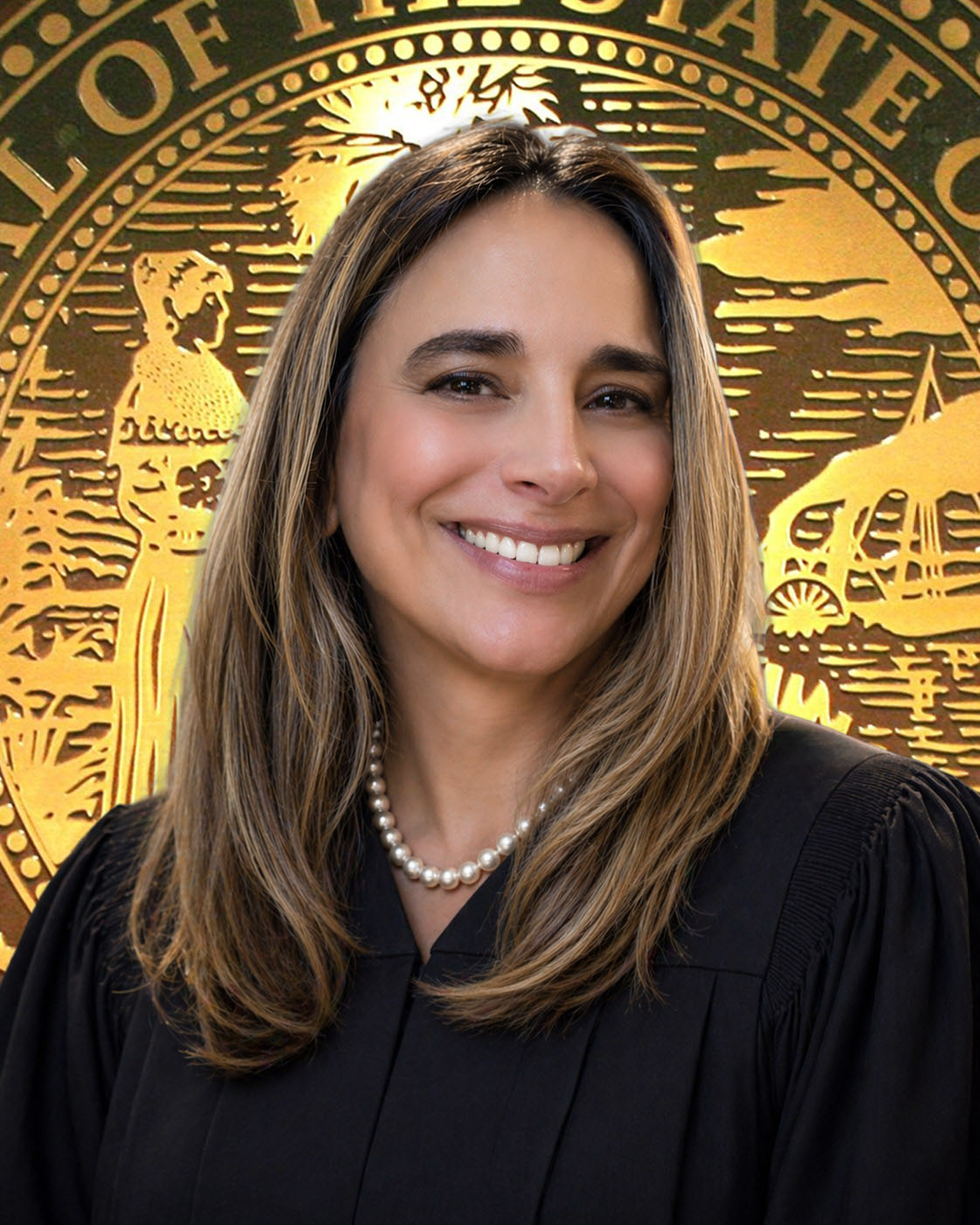
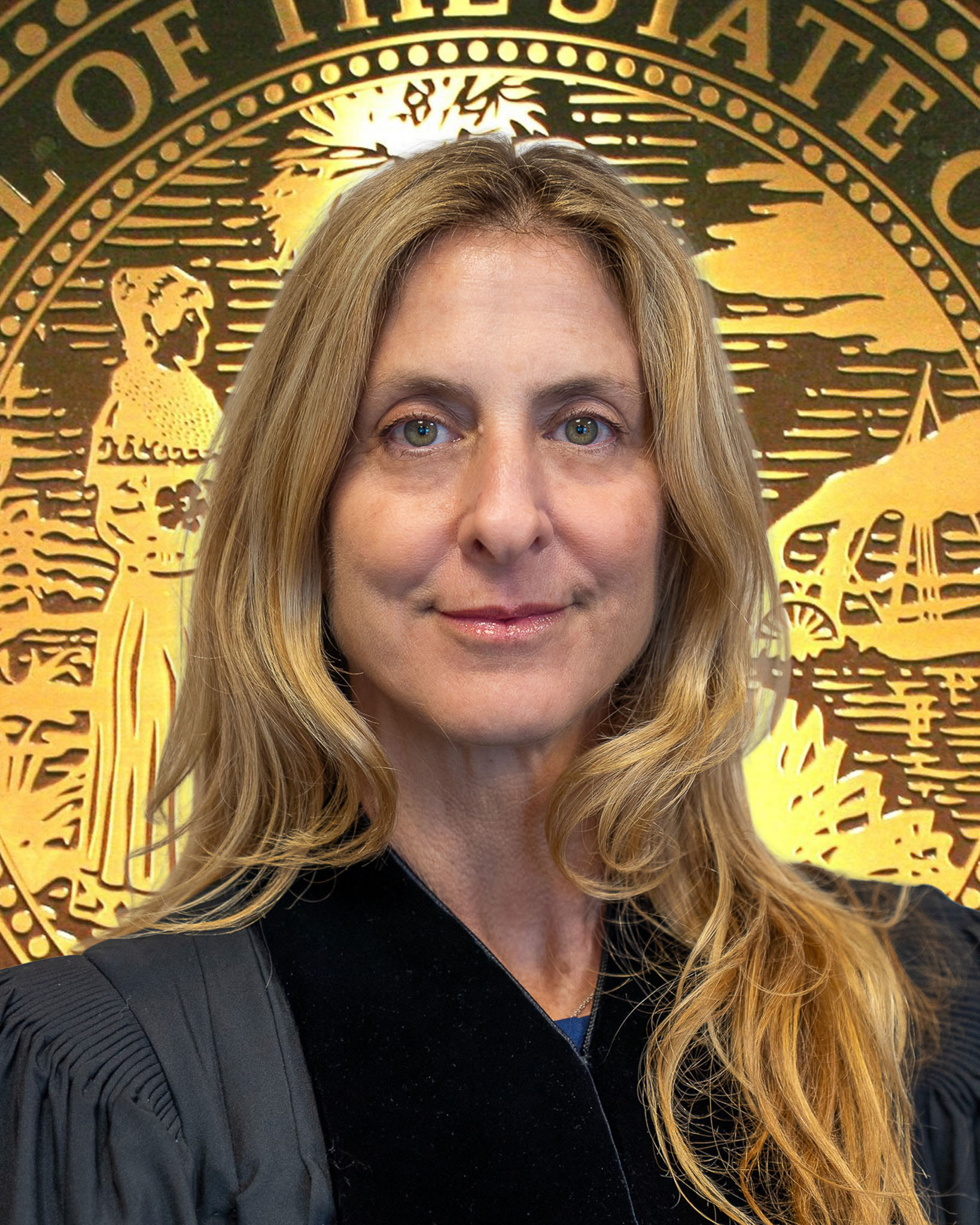
Each of Florida's 20 judicial circuits is administered by a Chief Judge who is elected by a majority of the judges in the circuit for a term of two years. Chief Judge Ariana Fajardo Orshan was elected as the chief judicial officer of the Eleventh Judicial Circuit of Florida in 2025. She acts as liaison with the Chief Justice of the Supreme Court in all judicial administrative matters and is responsible for the efficient and proper administration of the circuit and county courts. As set forth in Rule 2.050, Rules of Judicial Administration, this includes developing a plan for the prompt disposition of cases; assignment of judges, other court officers and executive assistants; control of dockets; regulation and use of courtrooms; mandatory periodic review of the status of the inmates of the county jail; and, consideration of statistical data. The Chief Judge also enters administrative orders to properly direct the court's day-to-day affairs and appoints committees to serve in an advisory capacity.
Deputy Chief Judges

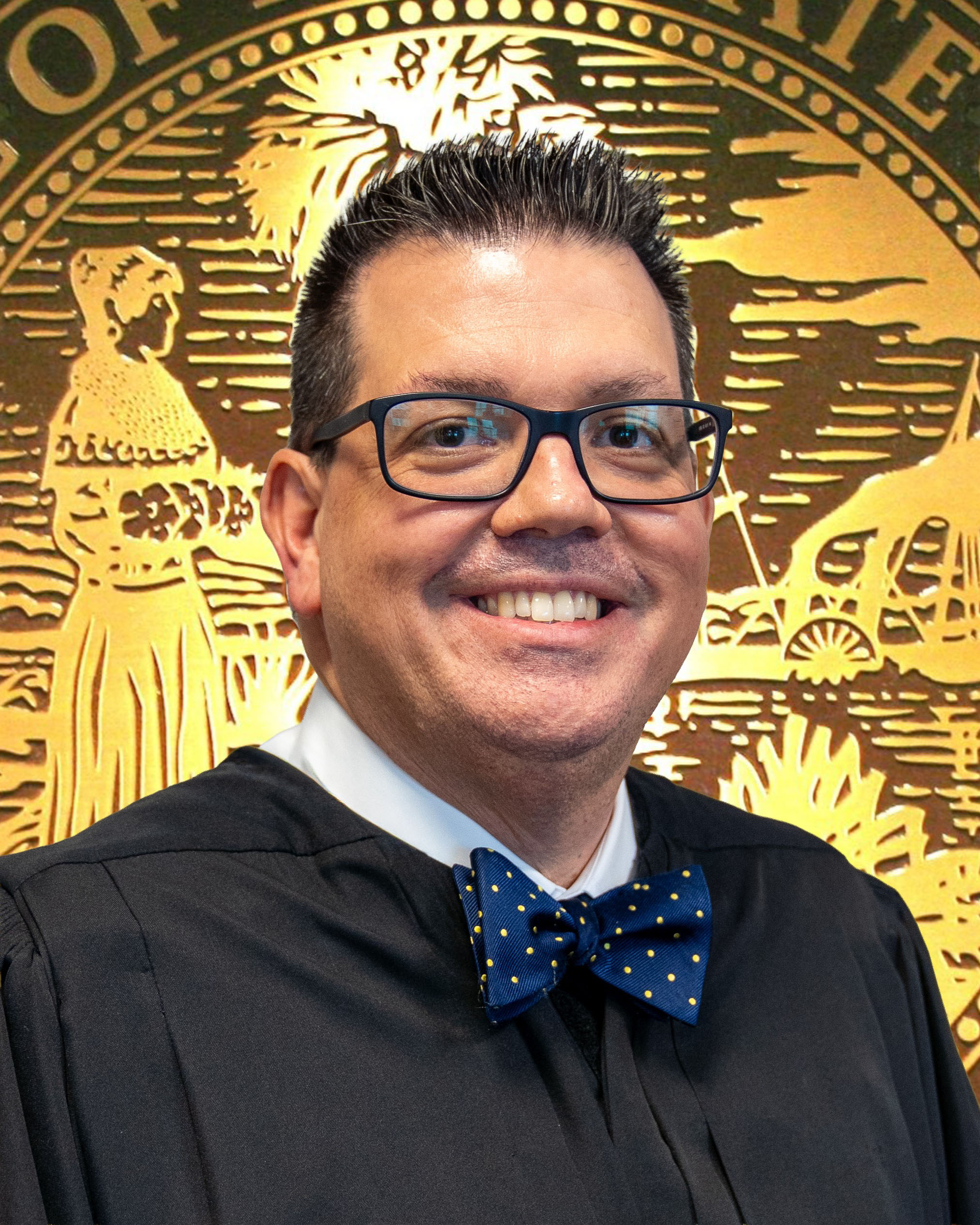
Deputy Chief Judge Gina Beovides was appointed in 2025 as Administrative Judge of the Court, serving as Deputy Chief Judge to assist Chief Judge Fajardo Orshan with matters pertaining to the County and Circuit Civil Divisions, the Probate and Appellate Divisions, as well as the Problem Solving Courts and the Civil Traffic Infraction Court.

Deputy Chief Judge Ivonne Cuesta was appointed in 2025 as Administrative Judge of the Court, serving as Deputy Chief Judge to assist Chief Judge Fajardo Orshan with matters pertaining to the County and Circuit Criminal Divisions, the Family and Unified Family Court Divisions, as well as the Domestic Violence Division.
Circuit Court
Appellate Division


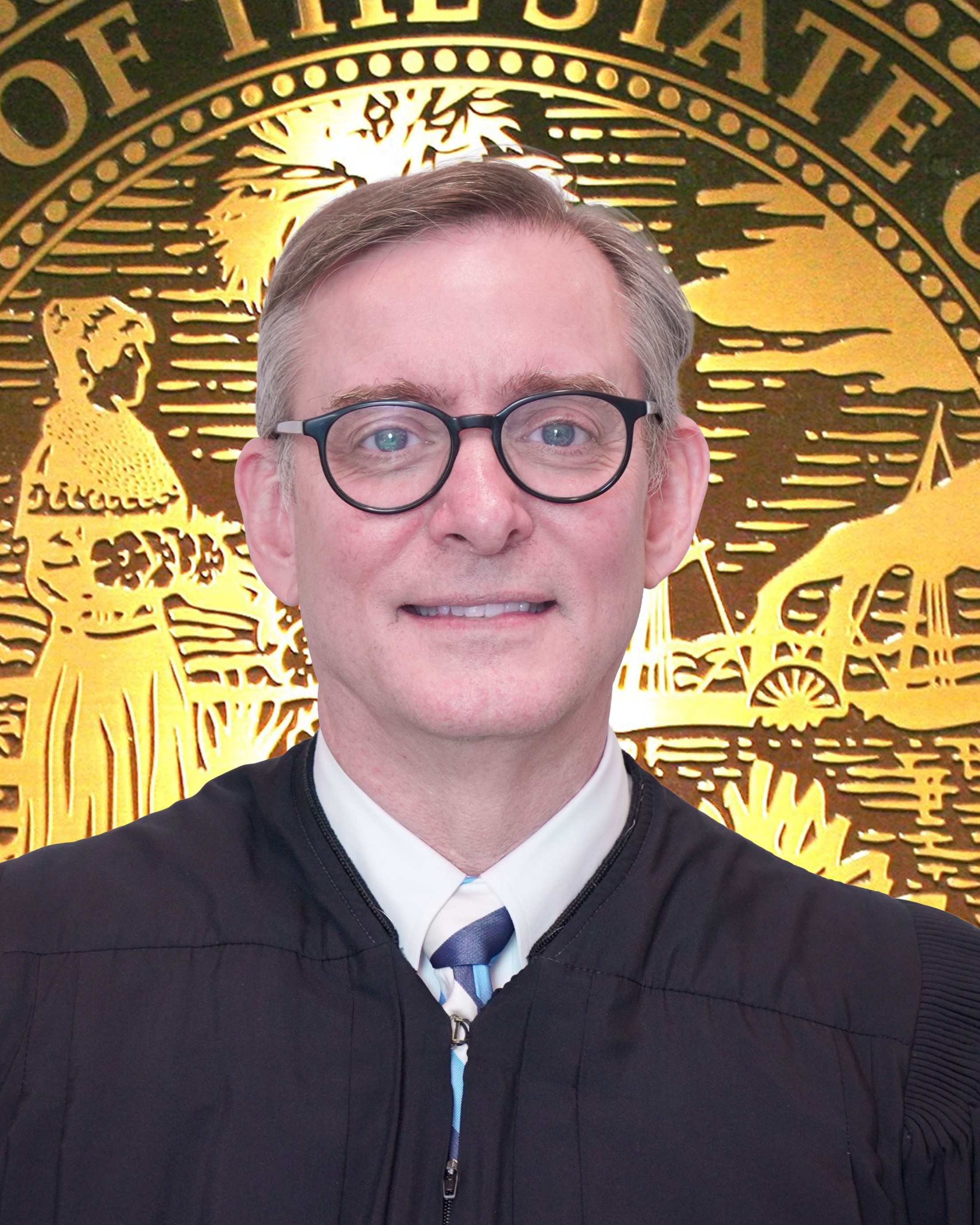
Civil Division


Civil Magistrates

Criminal Division


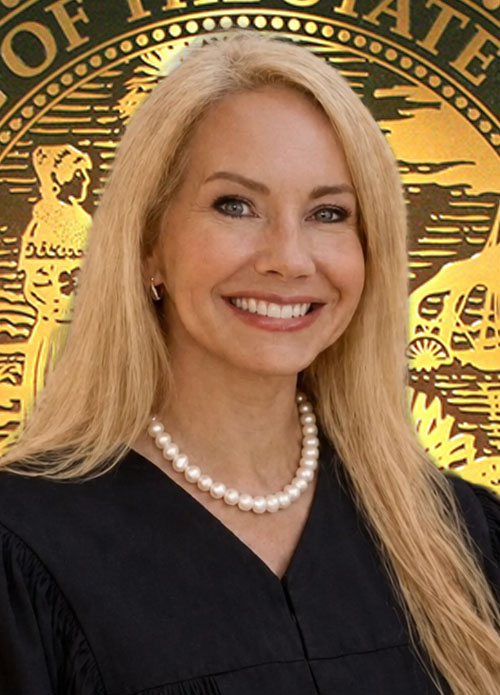


Family Division

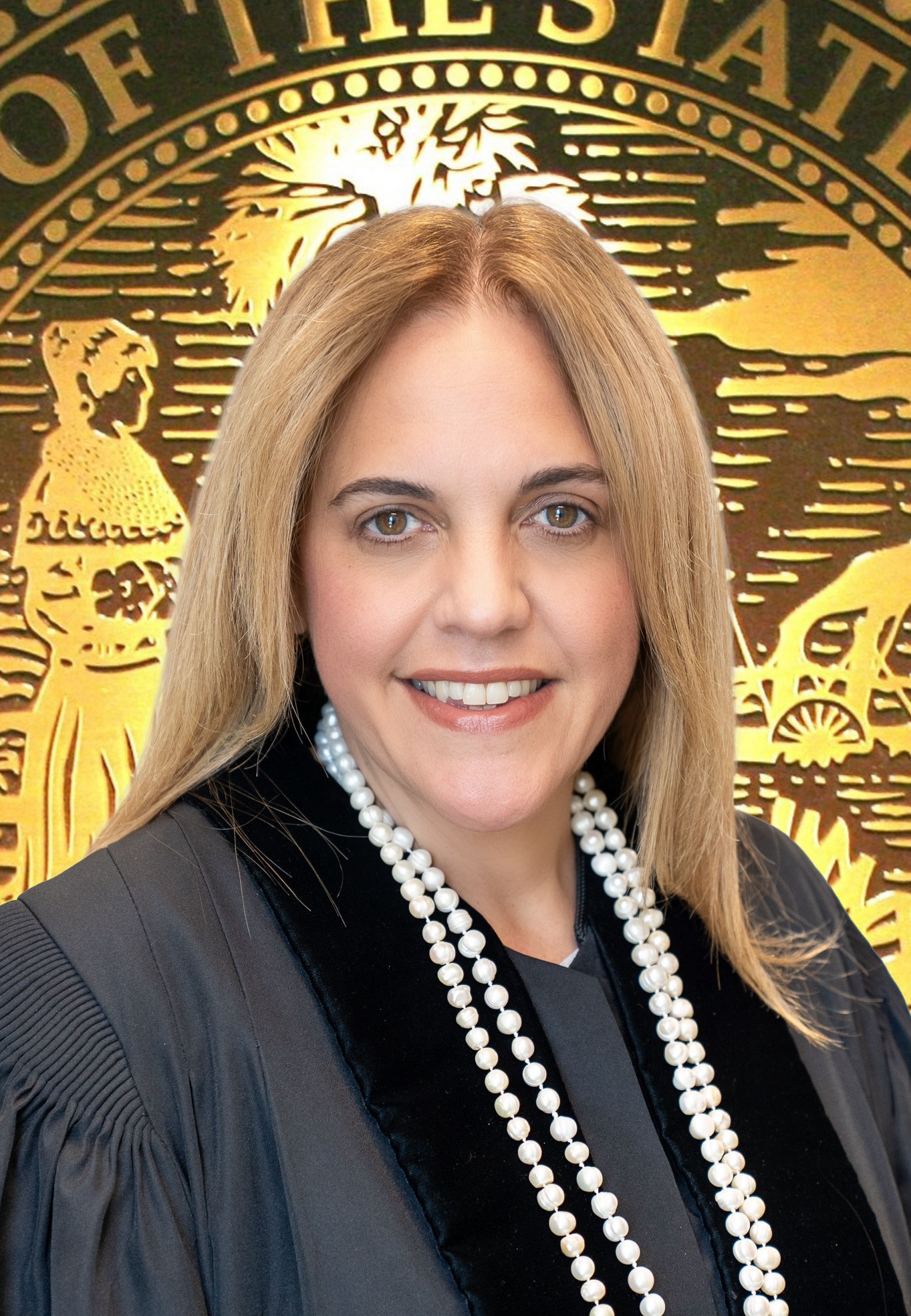


Family Magistrates


Probate Division


Probate Magistrates


Unified Family Court Division


Unified Family Court Magistrates


Domestic Violence Division





County Court
Civil Division


Civil Traffic Infractions Court

Go to Section:
SectionCriminal Division






Problem-Solving Courts
Active Senior Judges
Active Senior Judges


